Free
Forever, with no file limit.
- Opens HEIC, AVIF, WEBP, PNG, JPG, PSD, SVG, GIF and more
- Saves JPG, PNG, WEBP and BMP
- Bloom, the Desk and Smart rules
- Presets for Instagram, the web and archiving
- No file limit, no watermark


Image converter for Windows
Move a file and Bloom opens right under your cursor. Let go on a format, and PixFling converts it on your PC. No menus, no uploads, no account.
Try it
Hold it there and Bloom opens. Let go on a format. You can drop a picture of your own too: it stays inside this page and is never uploaded.
Drag an image here
This is a preview. PixFling does the real conversion on your PC: every format, whole folders at once, with your quality and metadata rules.
HEIC, JPG, PNG, WEBP, AVIF, JPEG XL, GIF, BMP, TIFF, ICO, TGA, QOI, SVG, PSD and camera RAW go in. JPG, PNG, WEBP, AVIF, JPEG XL, TIFF, BMP, PDF and ICO come out.
The Desk
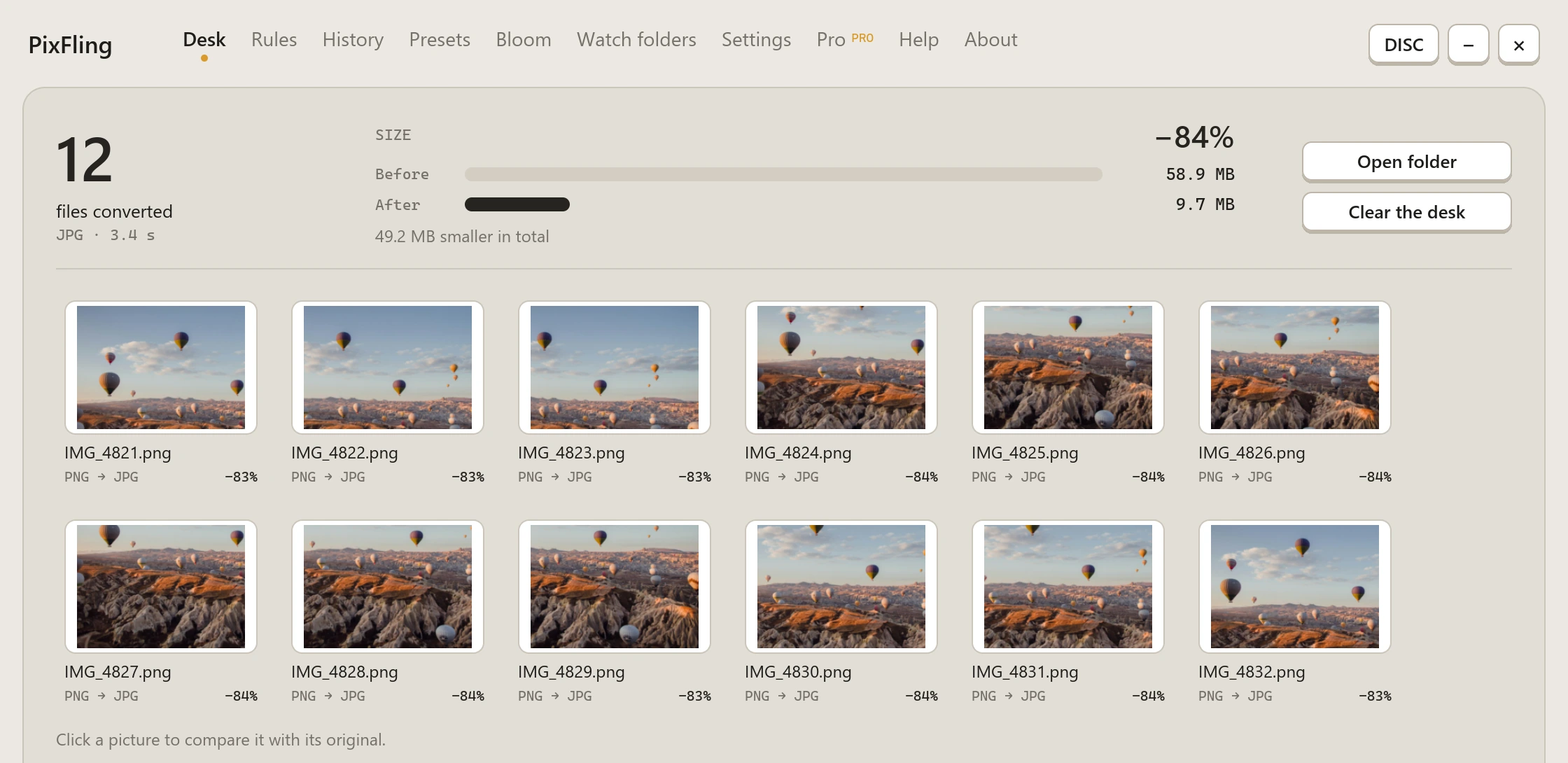
Bloom is for speed. When you want to see what happened, the Desk shows every file you converted, how much smaller it got, and the result next to its original.
Compression PRO
PixFling finds the lowest quality that still looks the same, picture by picture, and squeezes screenshots down to the colours they really use.
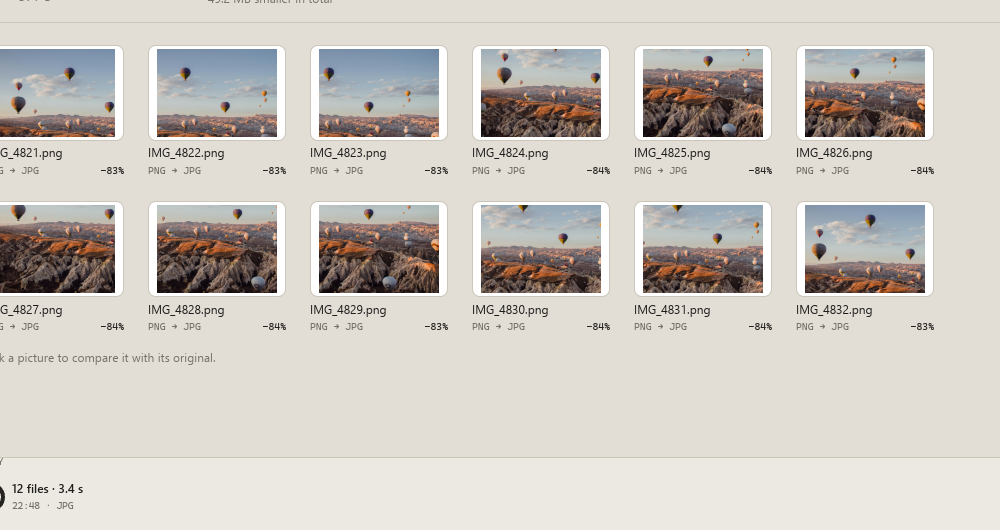
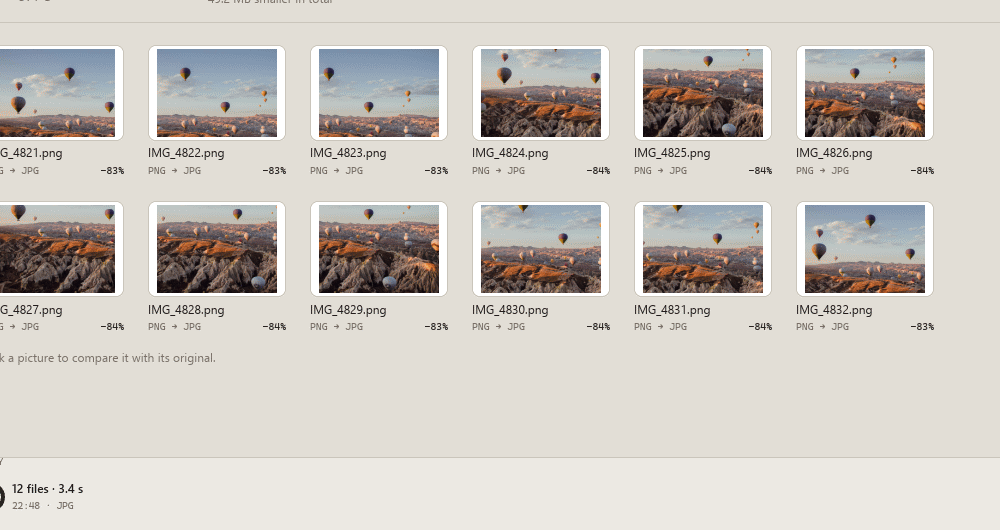


Measured with PixFling 1.0 on the files shown. Results depend on the picture.
Smart rules
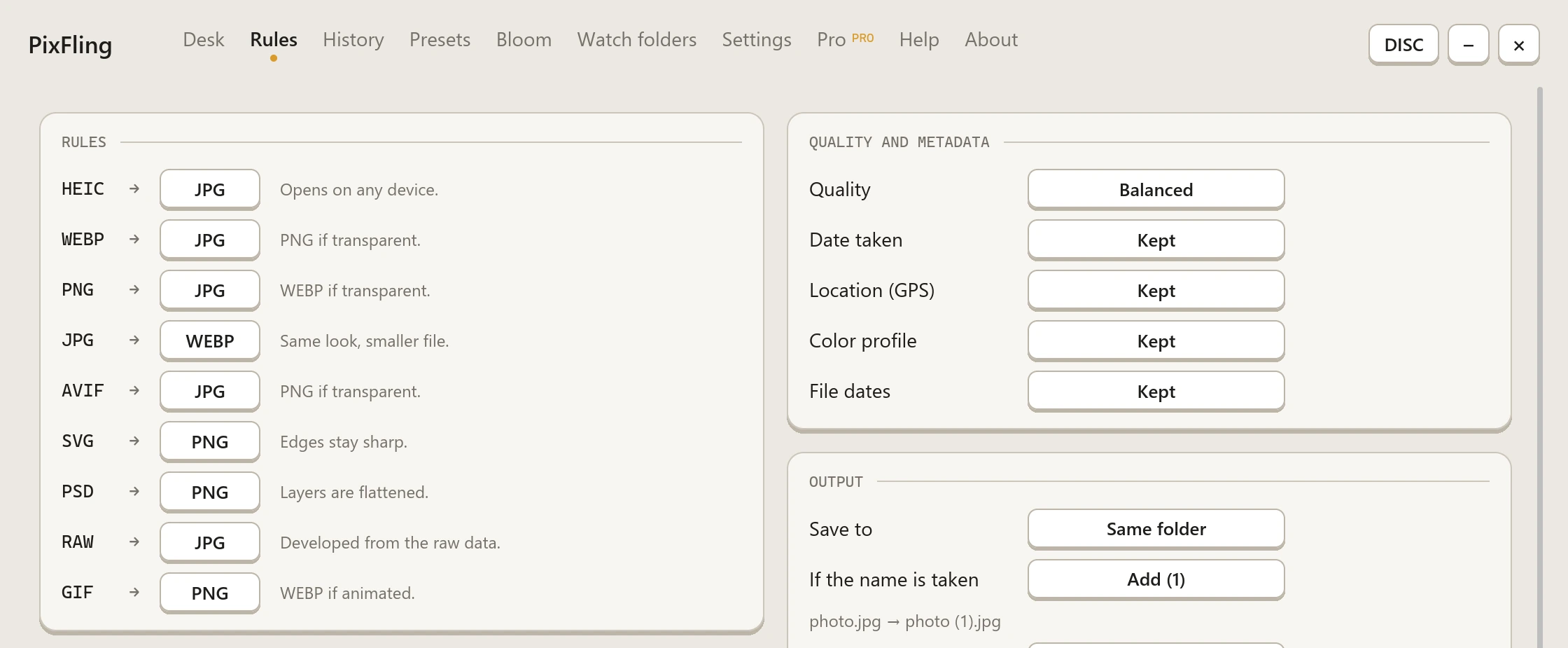
Drop anything on the centre of the wheel and PixFling picks the format from the rules you set: HEIC becomes JPG, transparent images stay PNG, and so on. Presets for email, Instagram and the web are one click away.
Watch folders PRO
Choose a folder once. Every new image that lands there is converted with that folder’s rule, while you keep working. The files that were already there are left alone.
Looks
The Disc sits on your desktop, so it should look like something you chose. Calm stones, a clock, a black hole, a tourbillon, with new ones on the way.
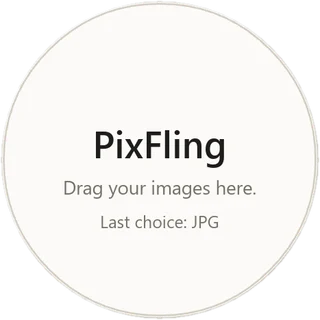
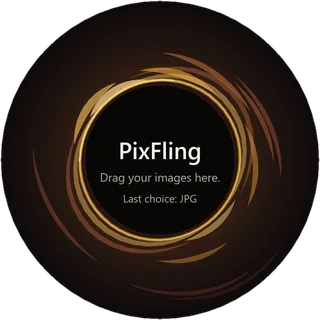
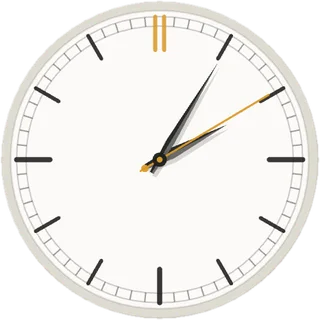
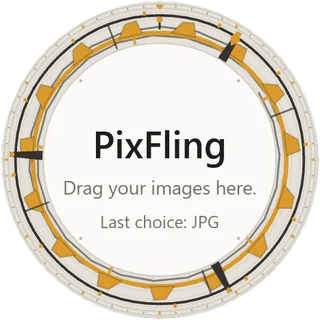
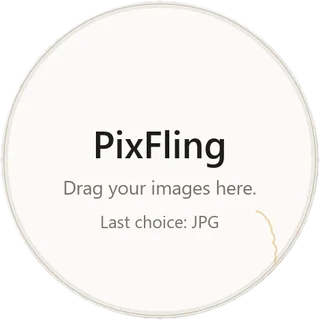
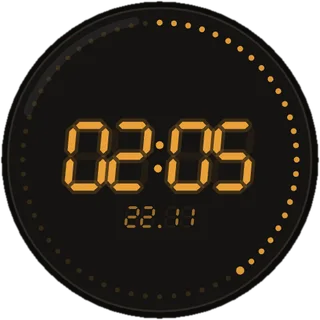
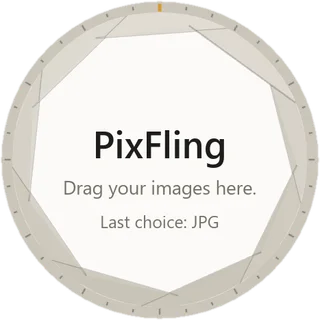
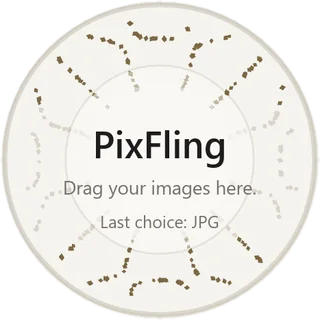
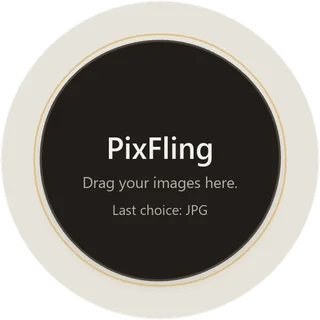
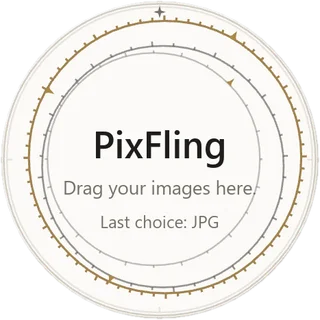
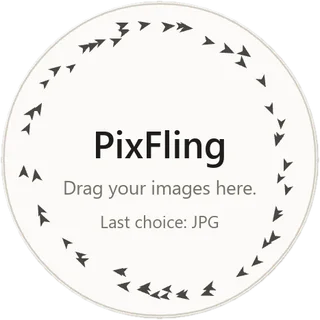
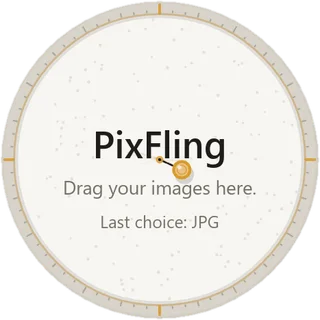
Every conversion happens on your computer. Nothing is uploaded, and it works offline.
There is nothing to sign up for. Pro is bought and restored through your Microsoft account.
No analytics, no ads and no usage data, in the app and on this website.
Pricing
Forever, with no file limit.
Once, or yearly. The price is shown in your currency in the Microsoft Store.
Drag the images you want to convert onto the Disc and let go. PixFling picks the best format for each file and starts right away. For a specific format, hold the files over the Disc for a moment: Bloom opens and you let go on the format you want.
No. PixFling opens HEIC and HEIF photos with its own built-in decoder, so you do not need to install or pay for any extension from the Microsoft Store.
Yes. Opening WEBP and AVIF and saving to JPG, PNG, WEBP or BMP are included free, completely offline. Drop on the centre and Smart rules keep transparency as PNG. Saving as AVIF is part of Pro.
Opening PSD, SVG, GIF, TIFF, TGA, QOI, BMP, ICO, HEIC, WEBP, AVIF and JPEG XL is free. Pro adds camera RAW input from Canon, Nikon, Sony, Fujifilm and DNG files, plus AVIF, JPEG XL, TIFF, PDF and ICO output.
Yes, with Pro. Drop one or more images onto PDF in Bloom to save documents, or onto ICO to generate Windows icons and multi-size favicon sets.
Choose any folder in PixFling Pro and assign a rule. Whenever a new image lands in that folder, PixFling converts it automatically in the background while leaving files already in the folder untouched.
Yes. Drop a folder onto the Disc and PixFling converts every supported image inside it and its sub-folders. With Pro, you can recreate the original sub-folder structure in the output.
Pro includes Same look, which uses perceptual SSIMULACRA 2 measurement to pick the smallest quality that still looks identical, plus PNG color reduction for screenshots and a target file size limit (such as under 2 MB for email).
Drop any image onto CLEAN in Bloom (part of Pro) to strip GPS coordinates, camera info and private metadata cleanly without re-encoding the pixels.
Never. Each converted image is written as a new file. If a file with the same name already exists, PixFling adds a number or skips it according to your Rules.
By default next to the original file. In Rules you can switch to a dedicated PixFling folder or any custom folder on your PC.
No. Every conversion runs locally on your computer and nothing is uploaded. PixFling only uses the internet to verify your Pro licence with the Microsoft Store or send feedback if you press Send.
Sign in to the Microsoft Store with the same Microsoft account you bought with, then open the Pro page inside PixFling and press Restore purchase.
PixFling runs on 64-bit Windows 10 (version 1809 or later) and Windows 11. Voluntary Buy Me a Coffee donations support development and do not unlock Pro; Pro is sold only via the Microsoft Store.

Independent studio
PixFling is built independently with no ads, no tracking and no limits on everyday conversions. Voluntary coffees help support ongoing development.
A voluntary thank-you only, it does not unlock Pro. Pro is sold exclusively through the Microsoft Store.
Free on the Microsoft Store for Windows 10 and 11.